How to set commission payment terms
The waiting period creators see before they apply: what 30 and 60 days mean, and how to pick yours in four clicks.
By Nora Ellis, Affiliate Marketing & Creator Economy Writer · with Wooly Network, Advertiser Success · 31 August 2026 · 3 min · Marketplace Best Practices
Your commission payment terms are one small choice with a big job: they tell every creator how long they wait to be paid after you accept their commission. You make the choice once, on your brand profile, and the platform schedules every payout from it. Here is what it is, how it works, and how to set it.
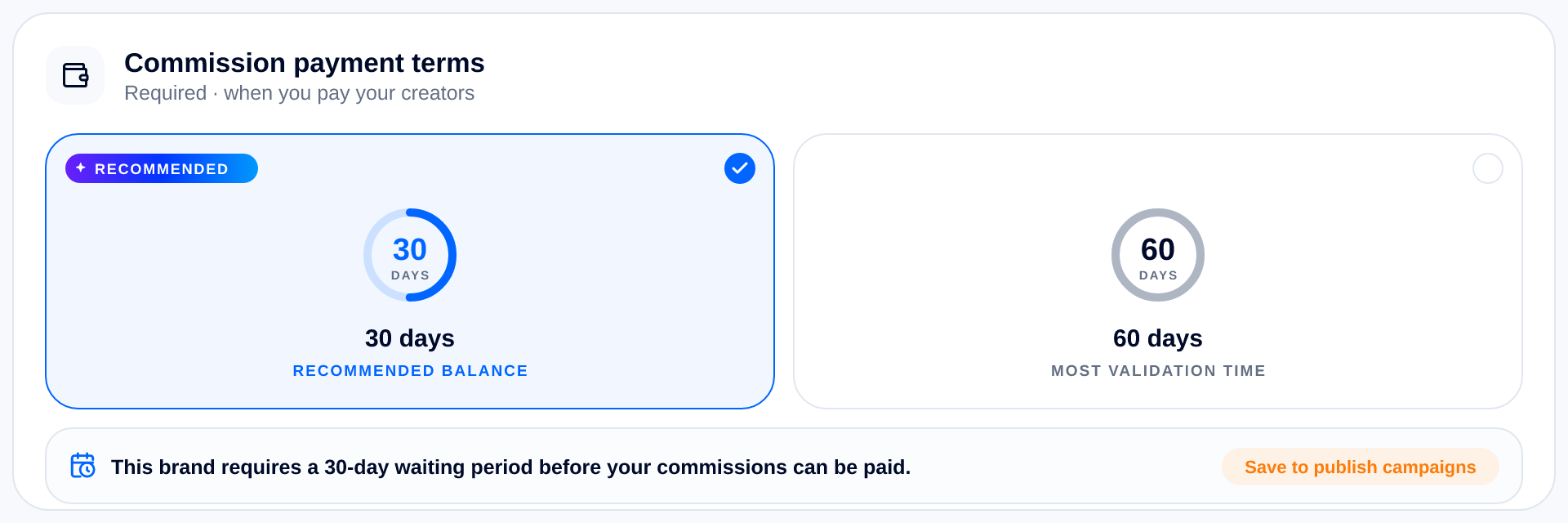
Profile Info → Commission payment terms. Two windows, and 30 days is the one we recommend.
What it is
It is the waiting period between a commission being approved and that money being paid. There are two options and only two: 30 days or 60 days.
- 30 days: recommended balance. Allows time for conversion validation while keeping your campaign attractive to creators.
- 60 days: most validation time. Safest for long refund windows or high-value orders, though some creators skip campaigns that pay this slowly.
It is a required part of your brand profile, so no campaign can be published until you have picked one. Creators read it on your offer page before they apply, as “Paid within 30 days of your commission being approved.”
How it works
You never pay commissions one at a time. Every month of accepted commissions becomes one payment, and your terms decide which month that payment lands in.
- On 30-day terms, a month is paid the month after it was earned; August commissions are paid in September.
- On 60-day terms, a month is paid two months after; August commissions are paid in October.
- Either way, the payment window is always the 1st to the 15th of that month. Before the 1st the Pay button is frozen; after the 15th the month is overdue.
The Payout report does this maths for you and shows the unlock date on every row, so you never have to count days yourself.
How to set it
- Open Profile Info in your advertiser workspace.
- Find the Commission payment terms card; it sits with your account details.
- Click 30 days or 60 days. The line underneath updates to the exact sentence creators will read.
- Press Save changes. Until you do, the card reminds you with an orange “Save to publish campaigns” note.
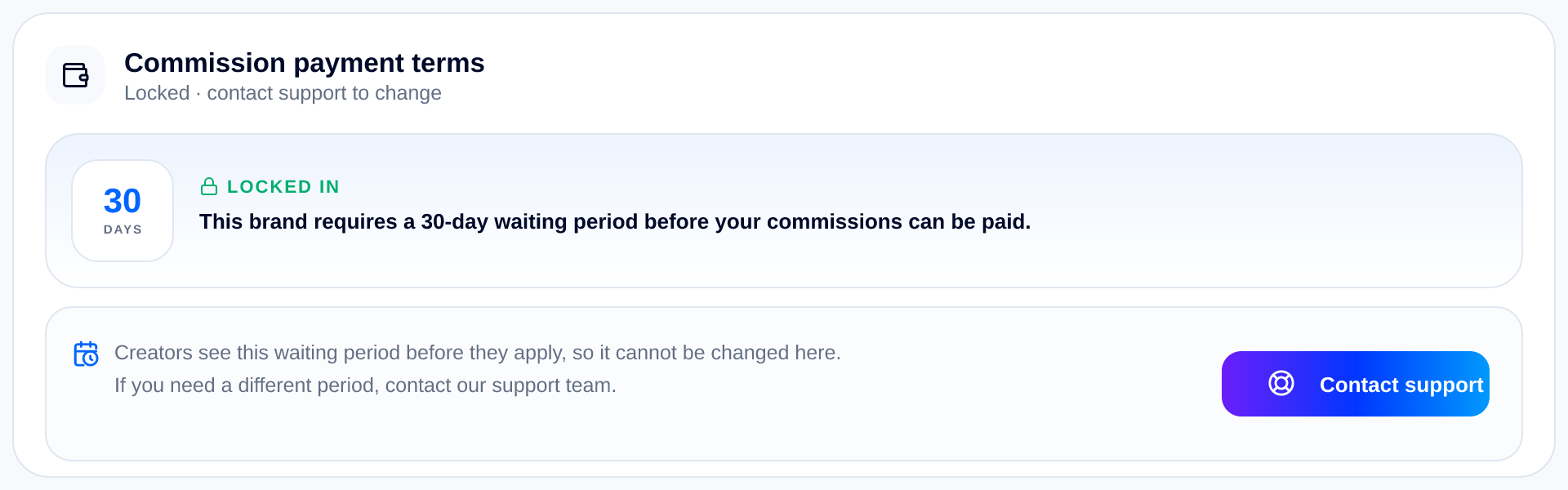
Once saved, the card becomes this: your window, locked in.
One thing to know before you save
The window locks. Because creators see it before they apply, it cannot be changed from the card afterwards; the only route to a different period is our support team, from the Contact support button on that same card. So pick the window you are happy to keep, and if you are unsure, 30 days is the recommendation.
Terms saved?
Launch your program
With a window committed to, nothing stands between you and the marketplace. Set your commission, publish your campaign and let creators start applying.
Launch your first campaign →Related reading
- How to approve the right creators — A walkthrough of the Creator applications tab: every status explained, what each button does, and exactly what changes for the creator when you press it.
- How to create your first Campaign — A step-by-step walkthrough of the Launch Your Program tab: every field, all four campaign types, and exactly what creators see when you publish.
- Understand your reports — A guided tour of the Reports & Analytics tab: what every panel shows, which number to act on, and how to read your programme in two minutes.
More from the Wooly Network Knowledge Library